Team & Permissions
GoHighLevel SSO, roles and per-capability permissions, per-service access, and a safe restricted view you can hand to the client themselves.
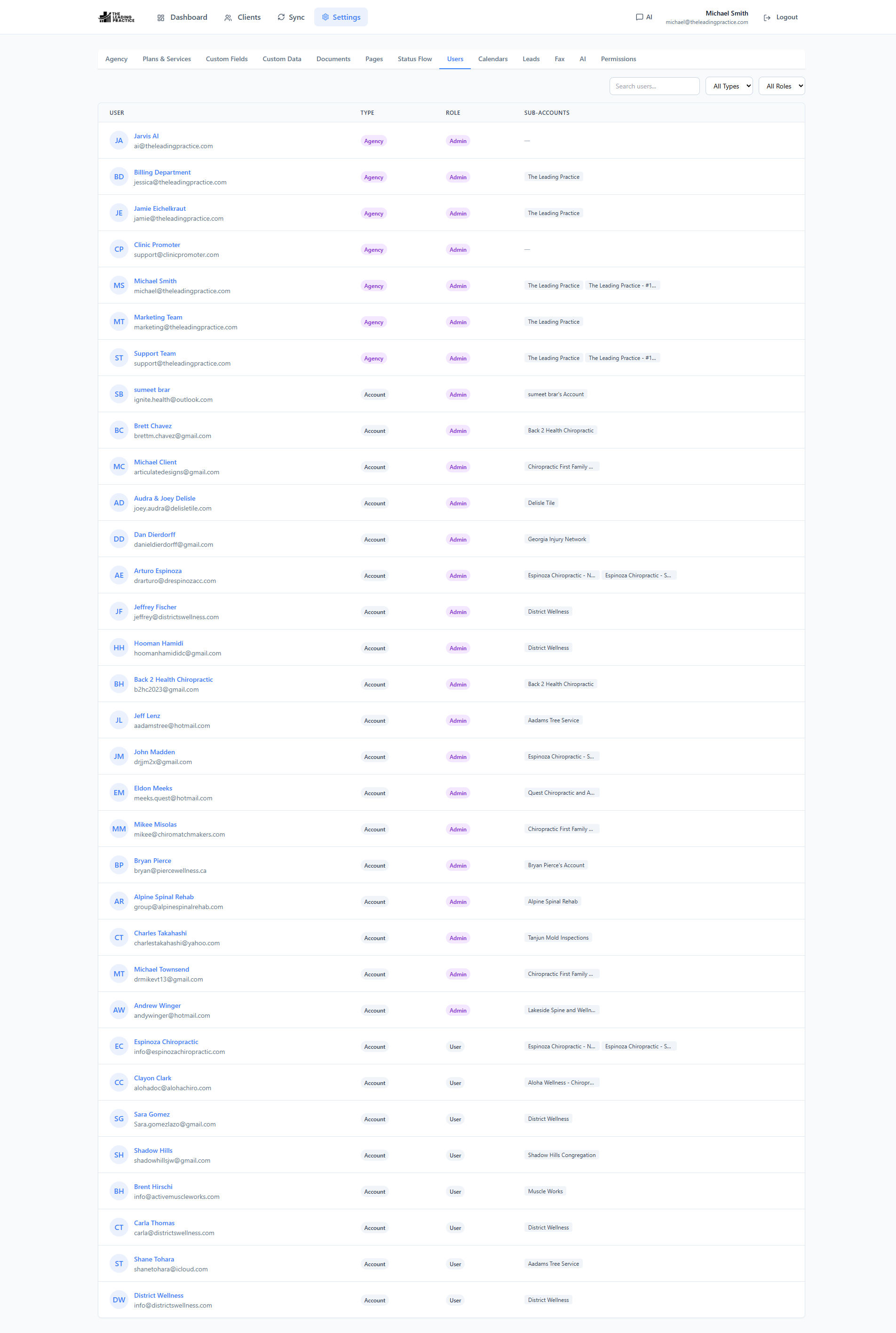
Access that matches how an agency is actually staffed
An agency is not one undifferentiated “team”. It is delivery pods, a client, and an owner — and they should not see the same screen.
No second login for your team
Power CRM is a marketplace app: it decrypts the GoHighLevel SSO payload and logs your team in inside the GoHighLevel iframe. Nobody creates an account, nobody forgets a password, nobody gets locked out on the day you need them. A standalone email/password login (with rate-limited auth endpoints, password reset and bcrypt-hashed credentials) exists for the cases where you want to use the app outside the CRM.
You can also pull your GoHighLevel users into the app in one action, so your roster mirrors the CRM instead of drifting from it.
Roles, then capabilities
Three roles — admin, manager, team — sit on top of granular per-capability permissions: manage clients, manage users, access onboarding, and access per service. A manager who should not be able to add users does not get the button.
Per-service access
Fields are mapped to services. Users are granted services. The result is that your SEO specialist opens a client and sees the SEO fields — not the ad account credentials, not the retainer margin, not the website hosting logins.
A client view you can hand over safely
Per-field visibility means an account-level user — the client — sees and edits only what you have exposed to them. That is what makes it safe to give a client a login at all: they can complete their own onboarding fields while your internal notes stay internal.
Questions about team & permissions
Does my team need another login?
No. Power CRM decrypts the GoHighLevel SSO payload, so opening the app inside GoHighLevel logs your team straight in. An email/password login exists for use outside the CRM.
Can I stop the ads team from seeing website credentials?
Yes. Permissions are per-capability and per-service, and fields are mapped to services — so each team sees only the fields for the services it delivers.
Is it safe to give a client a login?
That is what per-field client visibility is for. An account-level user sees and edits only the fields you have marked visible to them; your internal notes, scope and margins stay hidden.
See Power CRM on your own GoHighLevel account
A 30-minute working session against a location you pick. We show onboarding, the sync conflict queue and AI field capture on real data — then you decide.